

Interactive mapping tools for conventions, businesses, and more!. Need to find it? MapStoat it! (logo icons by Freepik from Flaticon licensed by CC 3.0 BY)
- Tweets65
- Following0
- Followers15
- Likes0
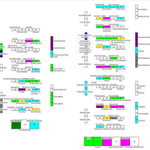
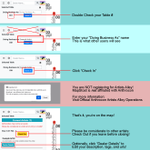


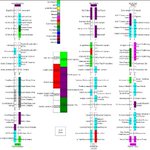
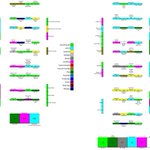




ALT Pictured is a list of instructions for adding yourself to the Artists Alley map on mapstoat.com. 1) Login to MapStoat.com 2) Find your Artists Alley table # on the map 3) Click the table to select it. 4) Double-check to verify your table # shown matches your table 5) Enter your "Doing Business As" name - this is what other users will see. 6) Click "Check In" 7) Understand that you are NOT registering for artists alley. Click OK to confirm you understand mapstoat.com is not affiliated with Anthrocon. 8) That's it, you're on the map! Please consider clicking "Check Out" if you leave before closing. Optionally, click "Dealer Details" to edit your description, tags, and urls. 9) After "Check Out" artists will be listed in the "Past Artists" section (click the panel to expand it). Additionally, returning artists will have their name remembered for easier subsequent check-in. Note that all artists will automatically be moved to "Past Dealers" 8 hours after check-in.


