

Software engineer, specializing in JavaScript 🟨⬛️ Technical writer 📝
- Tweets1.1K
- Following271
- Followers66
- Likes5.5K















ALT In most of the cases, we are able to and we should keep the form submit button within the form. But, a few times, due to layout or any other reasons, it makes sense to keep the form submit button outside the form. We can easily associate a button with the form using form and id attributes. HTML Code: <form id="subscriptionForm"> <label for="email">Email:</label> <input id="email" name="email" type="email" required /> </form> <button form="subscriptionForm">Subscribe</button> Using the same way, if needed, we can associate any other form controls such as textarea, checkbox etc. with the form as well.


ALT :where() selects elements based on the list of selectors given in its argument. Sample CSS Code: /* ❌ More code, Less readable, Hard to maintain */ section h2, section h3, article h2, article h3, aside h2, aside h3 { color: red; } /* ✅ Lesser Code, More Readable, Easy to maintain */ :where(section, article, aside) :where(h2, h3) { color: red; } :where() has 0 specificity and it ignores incorrect selectors. Use :is() instead of :where(), when you want the specificity of the most specific selector in the argument to be considered in the overall selector,



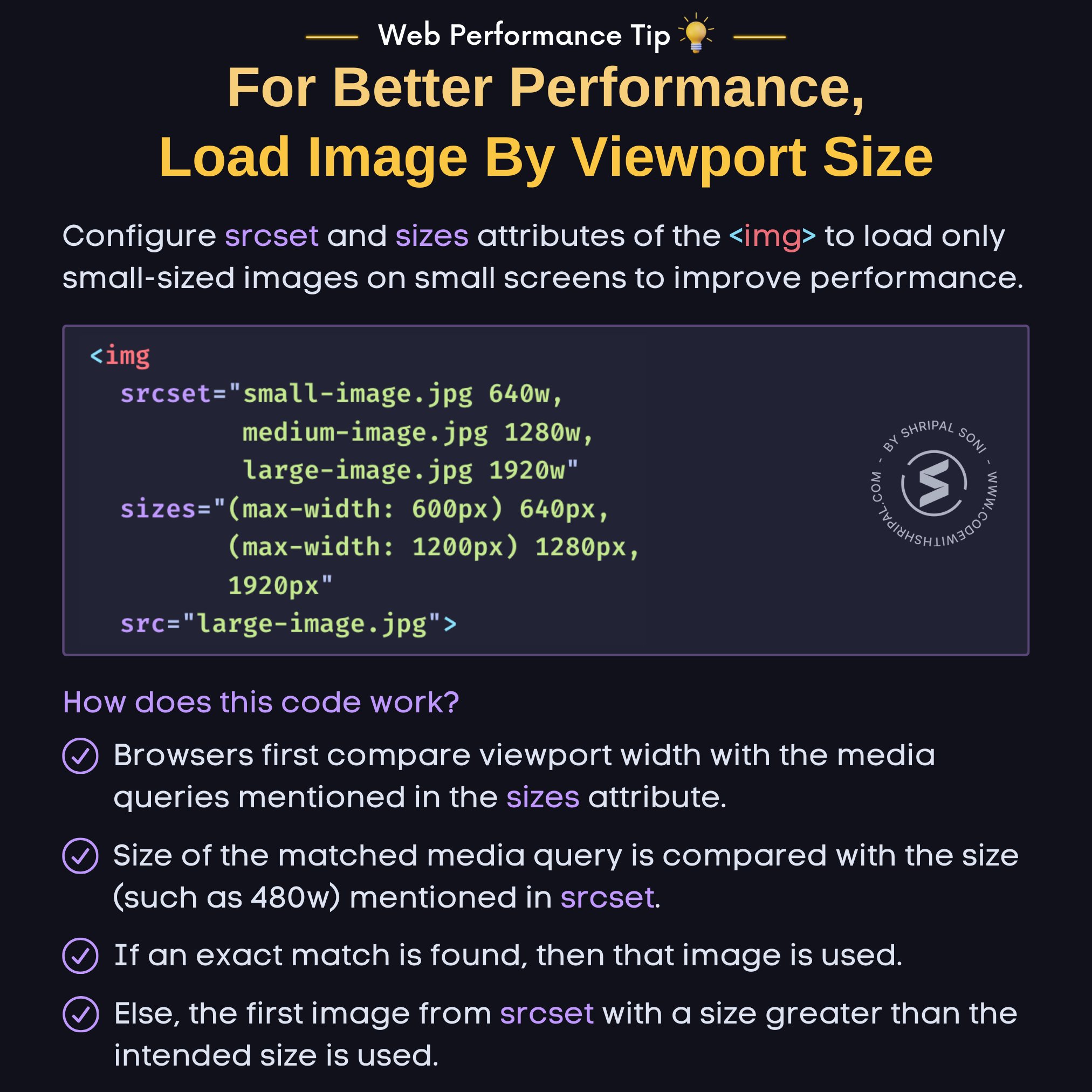
ALT Configure srcset and sizes attributes of the <img> to load only small-sized images on small screens to improve performance. HTML Code: <img srcset="small-image.jpg 640w, medium-image.jpg 1280w, large-image.jpg 1920w" sizes="(max-width: 600px) 640px, (max-width: 1200px) 1280px, 1920px" src="large-image.jpg"> How does this code work? - Browsers first compare viewport width with the media queries mentioned in the sizes attribute. - Size of the matched media query is compared with the size (such as 480w) mentioned in srcset. - If an exact match is found, then that image is used. - Else, the first image from srcset with a size greater than the intended size is used.