

One social media workspace for you and your AI agent. The content stays yours. We slot each post, check it and show you how it did. 10-day free trial.
- Tweets52
- Following2
- Followers23
- Likes12
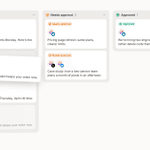






ALT The Activity section of a post's Info panel: created a draft, changed X and LinkedIn content, added the Launch tag, requested a review, scheduled to X and LinkedIn, and approved, each with an avatar and a relative time


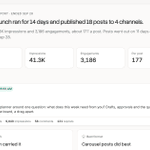
ALT The Analytics page: followers, engagements, impressions, posts published and engagements per post against the previous period, over a chart of engagements per day


ALT Orb's mascot, a violet sphere with a speech bubble face, above Hey, Maya and the message box with a request to plan and schedule next week's launch posts

ALT The schedule dialog's Custom tab with "next fri 3pm" typed into the date and time field and Next Friday at 3:00 PM suggested under it


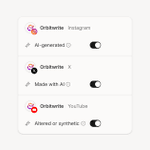
ALT A post's options for Instagram, X and YouTube, each with its network's AI label switched on: AI-generated, Made with AI, and Altered or synthetic


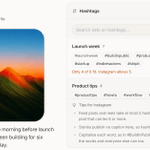
ALT The composer's Hashtags panel open on an Instagram post, with saved sets, Insert and Copy on the first, and Instagram's hashtag tips underneath
