

One social media workspace for you and your AI agent. The content stays yours. We slot each post, check it and show you how it did. 10-day free trial.
- Tweets55
- Following2
- Followers24
- Likes12
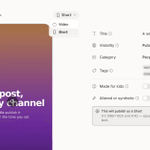





ALT A YouTube post in the composer with Short picked, the vertical video in a phone frame, and the settings beside it saying it will publish as a Short


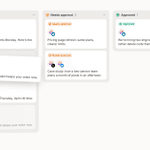
ALT The Drafts column mid-reorder: the last draft lifted, and a dashed card-sized slot open second from the top where it will land


ALT The Activity section of a post's Info panel: created a draft, changed X and LinkedIn content, added the Launch tag, requested a review, scheduled to X and LinkedIn, and approved, each with an avatar and a relative time


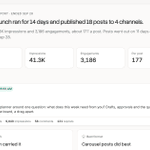
ALT A finished campaign's report: Autumn launch ran for 14 days and published 18 posts to 4 channels, with its totals, best post and best network


ALT The Analytics page: followers, engagements, impressions, posts published and engagements per post against the previous period, over a chart of engagements per day


ALT Orb's mascot, a violet sphere with a speech bubble face, above Hey, Maya and the message box with a request to plan and schedule next week's launch posts


ALT The schedule dialog's Custom tab with "next fri 3pm" typed into the date and time field and Next Friday at 3:00 PM suggested under it
